Mobile App UI Design in Egypt
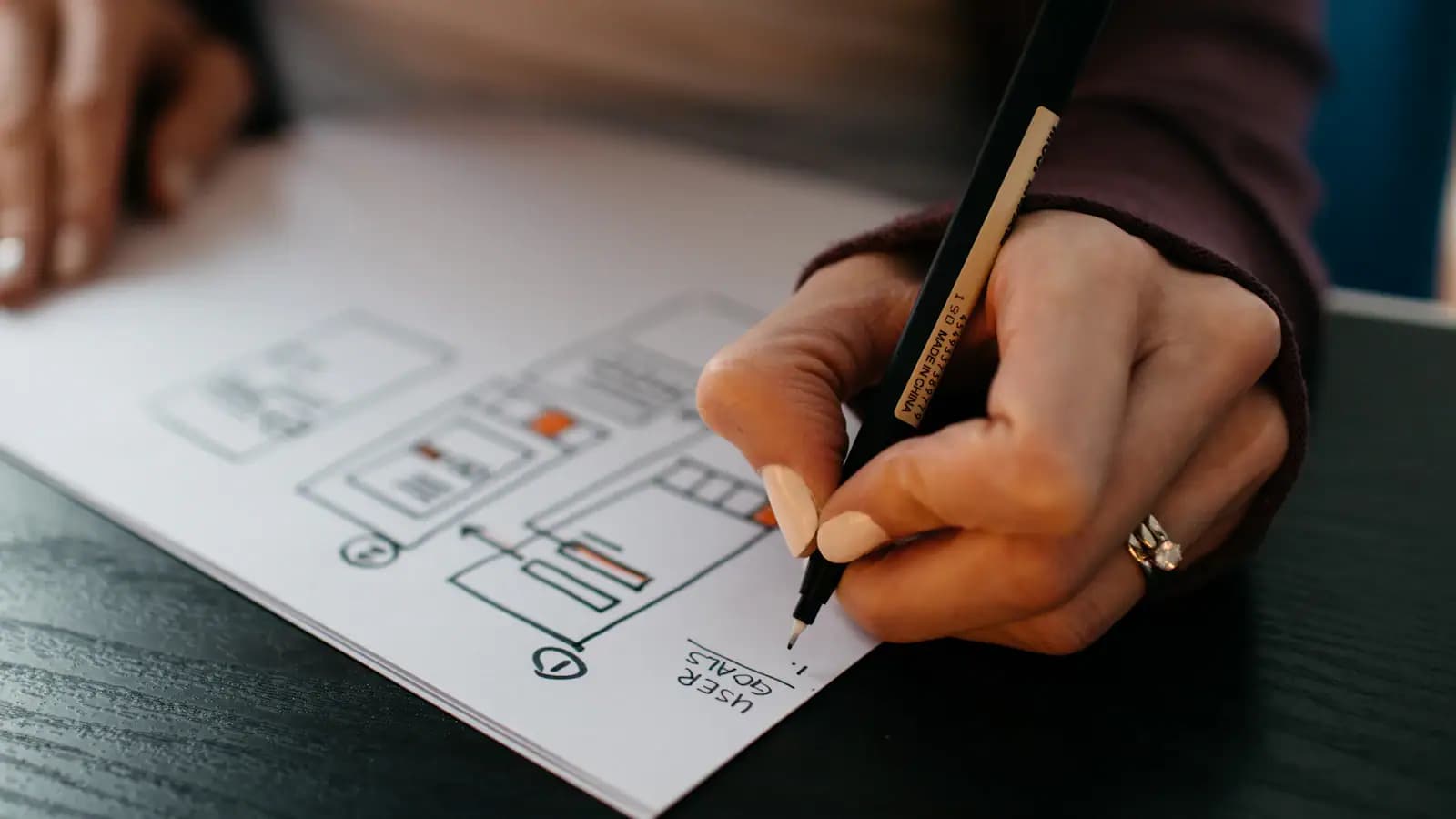
Mobile App UI Design in Egypt
App interface design works under constraints the web does not have: one thumb, a small screen, and bright sunlight.
In short: App interface design works under constraints the web does not have: one thumb, a small screen, and bright sunlight. The practical rule is that the primary action sits within thumb reach and no touch target is smaller than 44 pixels.
What is Mobile App UI Design?
App UI design arranges screens and the navigation between them for one-handed use. It differs from web design in navigation patterns, gestures and each platform's guidelines — it is not simply a scaled-down layout.
Why Mobile App UI Design is worth the investment in Egypt
- Design decides conversion rate: Button placement and form wording change order completion more than any content edit.
- It lowers support cost: An interface understood without explanation reduces customer questions and support calls.
- It prevents rebuilds: Changing a design file takes hours; changing the same screen after it is coded takes days.
- Consistency builds trust: An interface consistent in colour, spacing and terminology reads as a serious product rather than a temporary project.
Who needs Mobile App UI Design?
- Companies building a new app needing design before development
- Companies with an app seeing low usage despite installs
- Companies that ported their website design to an app and found it did not work
Core capabilities
- Designing for the thumb zone: Placing primary actions in the lower half of the screen where the thumb reaches without changing grip.
- Respecting platform patterns: iOS and Android differ in back navigation and menus, and ignoring that makes the app feel foreign on both.
- Weak-network states: Designing loading, failure and retry screens, because they appear frequently in real use.
Technologies and tools
These are the tools we actually use on Mobile App UI Design projects. Which ones apply depends on the size and budget of the project, not on what is newest:
- Figma
- Adobe XD
- Adobe Illustrator
- After Effects
- Design tokens
- Storybook
- Maze
Cost and timeline in Egypt
| Tier | Scope | Indicative cost (EGP) | Duration |
|---|---|---|---|
| Starter | Limited scope, core functionality | 15,000 - 40,000 | from 2 weeks |
| Standard | Full scope with integrations | 40,000 - 110,000 | 2-8 weeks |
| Advanced | Enterprise scope, complex integrations | 110,000+ | 8+ weeks |
These are indicative 2026 ranges for the Egypt market, not a quotation. Actual cost is set after a scoping session, and the largest driver is usually the number of external integrations rather than the number of screens.
How a Mobile App UI Design project runs
1. Understanding the user and the task
Establishing who will use the screen and what they came to accomplish, before drawing anything.
2. Information architecture and wireframes
Arranging elements and priorities in black and white, where most of the important decisions are settled.
3. The design system
Defining colours, type, spacing and components once so they are reused across every screen.
4. Visual design and prototype
Producing final screens and linking them into a clickable prototype for testing before development.
5. Developer handoff
Exporting dimensions and assets and documenting every state: empty, loading, error and success.
Best practices
- Design all four states of every screen: Empty, loading and error states matter as much as the ideal state.
- Build a design system from the start: Without one, a single project accumulates a dozen shades of blue and button sizes.
- Account for Arabic in layout, not at the end: Arabic text length and direction change the layout; design with real copy, not placeholder.
- Respect contrast and touch targets: A button under 44 pixels or text with weak contrast makes the interface unusable for a share of users.
- Test with five users: Most major usability problems surface with the first five people who try the prototype.
Common mistakes to avoid
- Designing with placeholder text: Lorem ipsum hides problems with real title and name lengths.
- Copying a global product's interface literally: Patterns that suit one market and culture may not suit your local user.
- Overusing motion and effects: Excess animation slows use and distracts rather than guiding.
- Ignoring the error state: A vague error message stops the user with no path forward.
- Designing beyond what can be built: A beautiful screen impossible to deliver on budget sends the design back to zero.
What is specific to Egypt
The Egyptian market combines a large population with a deep developer base, which keeps delivery cost relatively lower than the Gulf at comparable technical quality. Against that, exchange rate volatility makes pricing in local currency and contracting in shorter phases safer for both sides.
- The local developer base is broad, which keeps delivery cost relatively lower but demands finer discrimination between providers given the quality spread.
- Connection quality varies by area, so systems that stop when the network drops need a local operating mode that syncs later.
- The e-invoice and e-receipt system is mandatory for registered companies and requires direct integration with the Tax Authority platform.
- VAT is 14% and needs correct handling inside any invoicing or point-of-sale system.
Frequently asked questions
Q: Should I design once for both platforms?
A: One foundation with differences in navigation and system components. An identical design makes the app feel alien on one platform; two entirely separate designs double the cost without justification.
Q: How many screens does a mid-sized app need?
A: Fifteen to forty including states. The count grows quickly because every screen needs an empty, error and loading state.
Q: When should I test the design?
A: On an interactive prototype before development. Testing five users on the prototype exposes the major navigation problems that cost many times more to find after the build.
Q: Could another developer continue the work?
A: Yes, and it is a standard we hold ourselves to: documented code in a conventional structure with build and deployment documentation, so you are not tied to us for future changes.
Q: How do you handle our existing data?
A: We start by assessing its quality and cleaning it before migration. Messy data migrated as-is produces reports nobody trusts in the new system.
Q: Do you provide team training?
A: Yes — role-based training close to launch rather than months before, with a short usage guide for each screen the team actually uses.
Conclusion
Mobile App UI Design is less a purely technical decision than an operational one: the difference between a project that lands and one that stalls usually shows up in how clearly the scope was defined before starting, not in the choice of technology. Begin by stating precisely which problem you are solving, then ask any prospective partner how they intend to measure success.
Codlex Tech is a software development company working since 2020 with clients across Saudi Arabia, Egypt and the Middle East on websites, mobile apps, e-commerce, ERP and CRM systems.
Contact: [info.codlextech@gmail.com](mailto:info.codlextech@gmail.com) — [+201223280094](tel:+201223280094) — [codlextech.com](https://www.codlextech.com)
Latest Articles
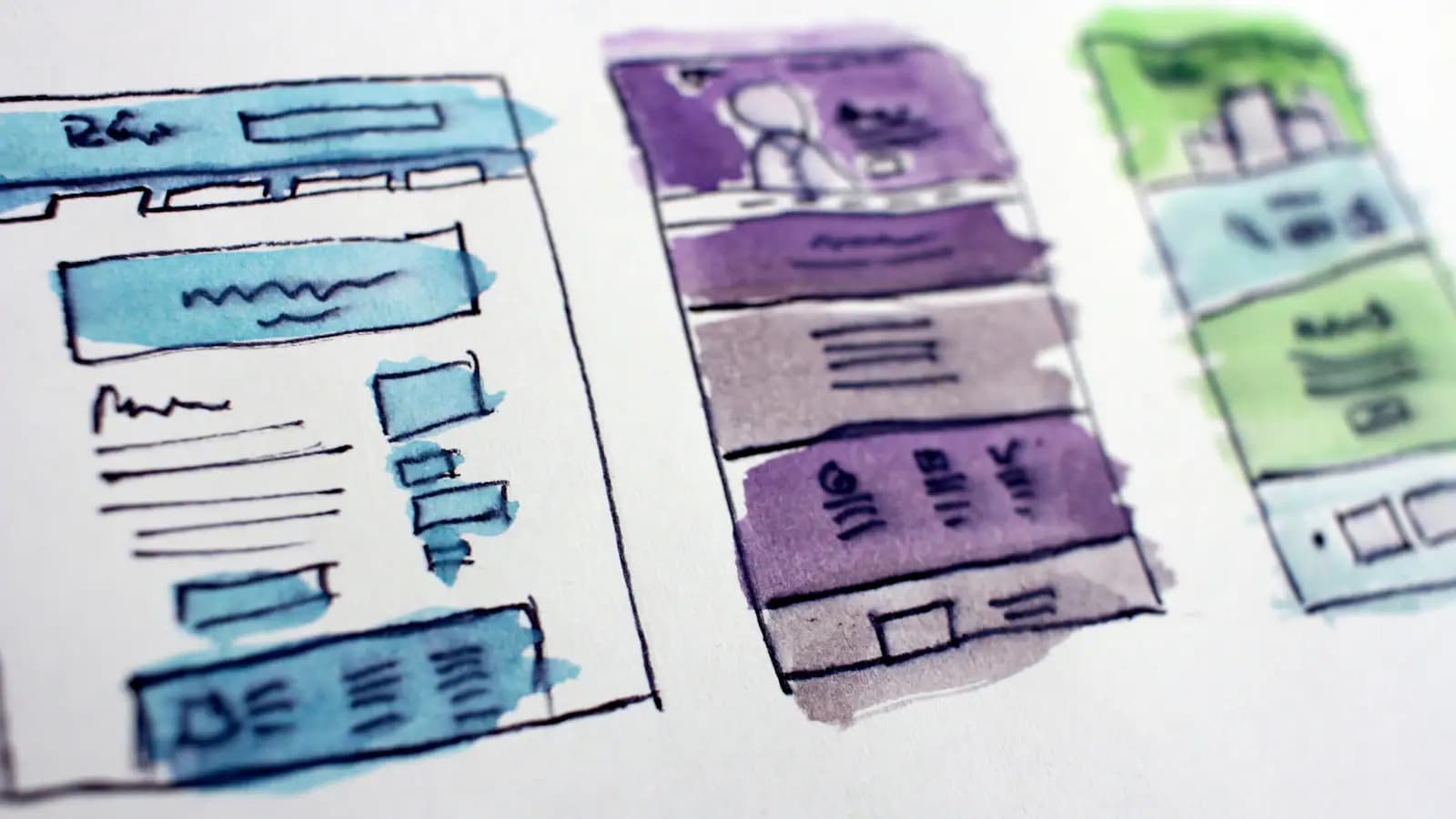
UI/UX Design Company in Saudi Arabia
A serious UI/UX company delivers a design system and buildable files, not attractive screenshots.
Brand Identity Design in Saudi Arabia
Visual identity in the Saudi market faces an extra test: does it work equally well in Arabic and English? An identity designed in English and Arabised afterwards…
Motion Graphics in Saudi Arabia
Motion graphics explain what static text struggles to convey, but their value rests on the script rather than the animation quality.
Video Editing Services in Saudi Arabia
Editing is what turns hours of footage into a minute people watch to the end. The biggest factor in a video's success is not the camera but cutting decisions: what…

Graphic Design Company in Saudi Arabia
A graphic design company is judged by the consistency of its output over time, not by one strong piece.
UI UX Design Services in Egypt: Complete Guide
UX design in Egypt carries an extra condition: the design must work on mid-range devices and variable networks.

Figma Design in Egypt: Professional Guide
Figma has become the practical standard because it runs in the browser and lets designer, developer and client work on the same file.

Building Design Systems in Egypt
A design system saves real time once a product passes roughly twenty screens or more than one designer works on it.

Best Software Companies in Saudi Arabia: A Complete Guide 2026
Choosing a software company is settled by two questions rather than a portfolio: what do I receive at handover, and who could continue the work after you? A company…
Web Development Company in Saudi Arabia: How to Choose the Best
A web development company is judged by what it hands over after launch: source code, deployment documentation, and whether another developer could continue the work.
Mobile App Development Company in Saudi Arabia
An app development company is judged by what happens after launch, not by the launch: who publishes updates, who owns the store accounts, who handles crashes.
SEO Company in Saudi Arabia: Boost Your Online Presence
A serious SEO company starts with a technical audit and a current-state report before promising any ranking.